Logpoint v7.5.0
Download the .pak file from the help center.
Go to Settings >> System >> Applications.
Settings >> System >> Applications
Click Import.
Browse to the downloaded .pak file.
Click Upload.
Go to Logpoint login page.
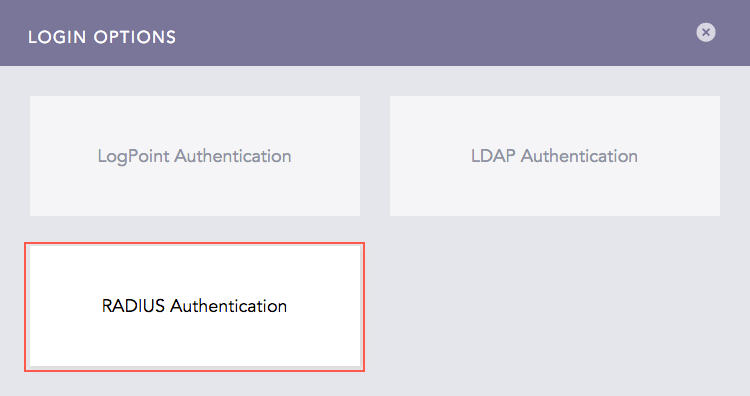
Click Other Authentication Options. Click Radius Authentication.
RADIUS Authentication Login Option
We are glad this guide helped.
Please don't include any personal information in your comment